https://learn.deeplearning.ai/courses/building-multimodal-search-and-rag
Building Multimodal Search and RAG - DeepLearning.AI
Build smarter search and RAG applications for multimodal retrieval and generation.
learn.deeplearning.ai
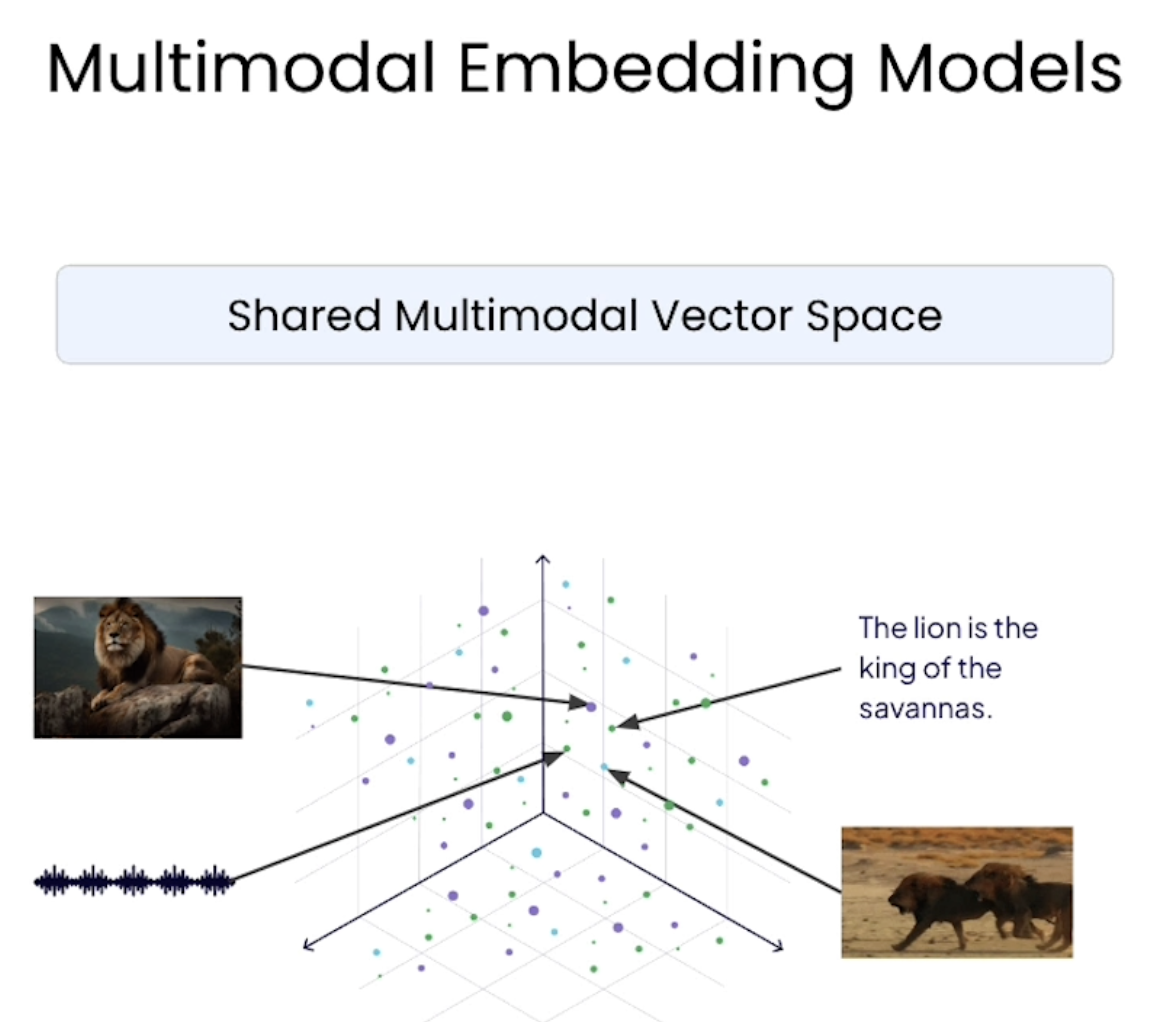
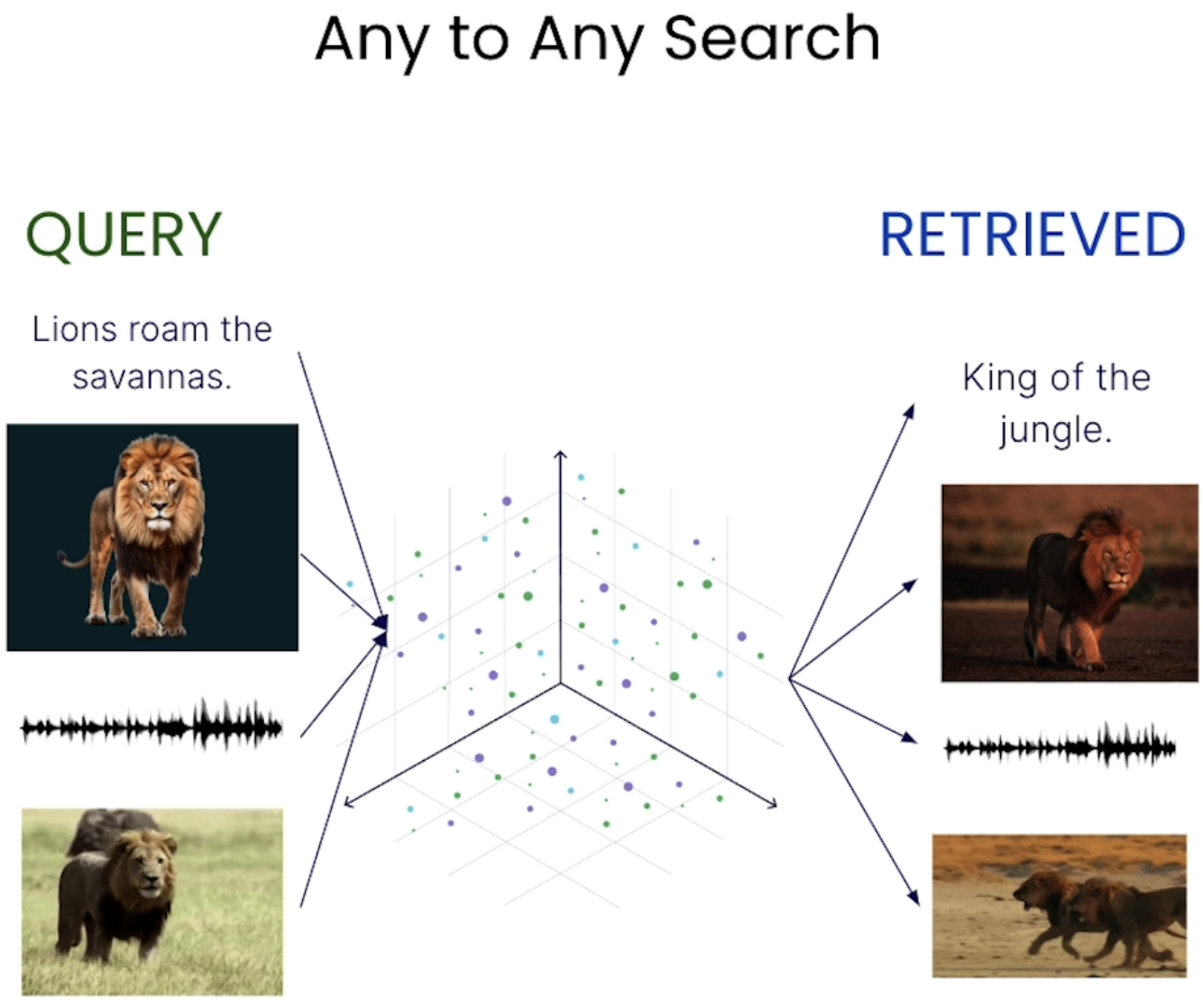
어떤 모달리티로 들어와도 그 어떤 모달리티로 리트리브 가능
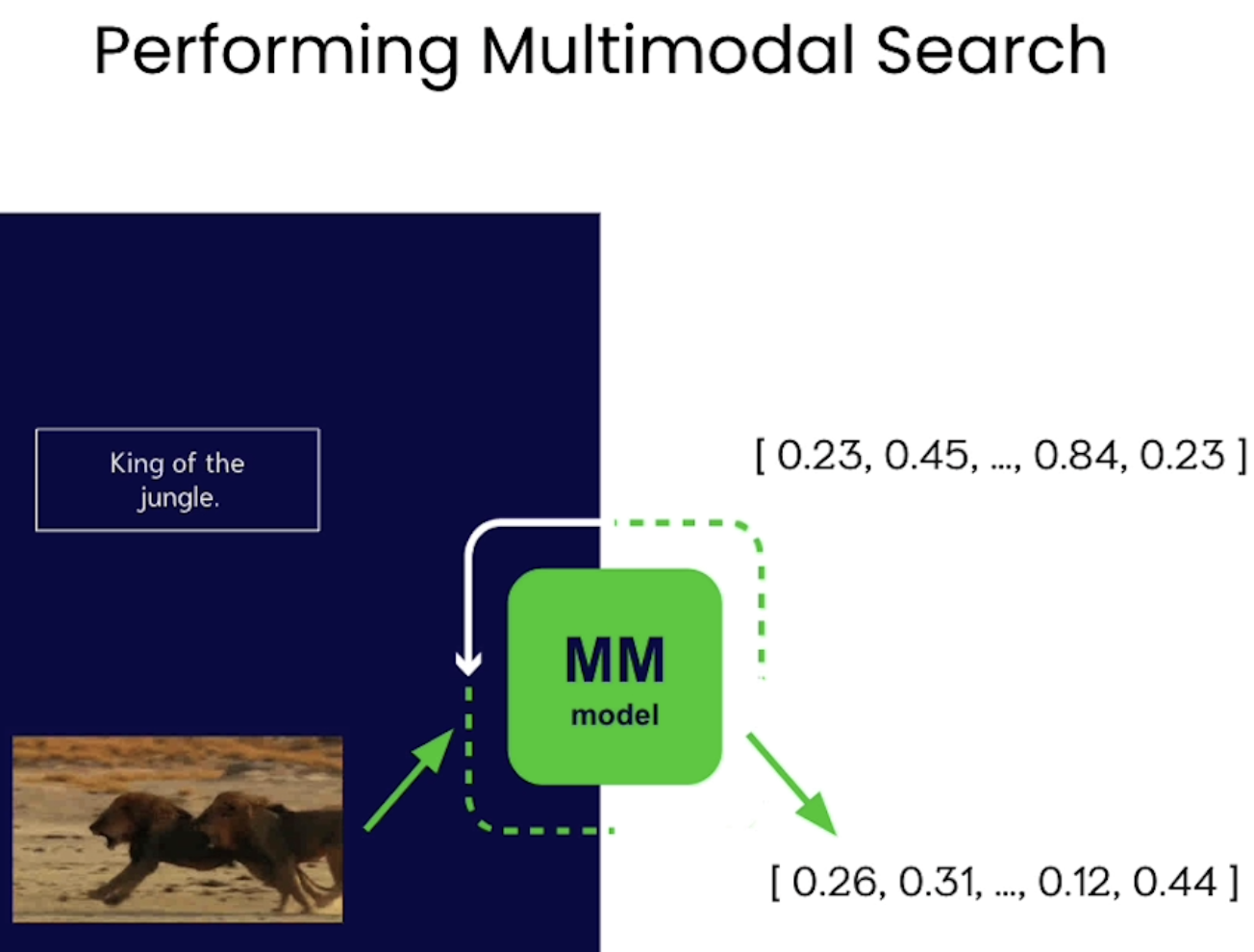
MM model 통과 후 벡터값 출력
모달리티에 구애받지 않고 비슷한 내용(e.g. 사자)의 입력값이면 비슷한 벡터값 가짐
import warnings
warnings.filterwarnings('ignore')

import os
from dotenv import load_dotenv, find_dotenv
_ = load_dotenv(find_dotenv()) # read local .env file
EMBEDDING_API_KEY = os.getenv("EMBEDDING_API_KEY")

import weaviate, os

client = weaviate.connect_to_embedded(
    version="1.24.21",
    environment_variables={
        "ENABLE_MODULES": "backup-filesystem,multi2vec-palm",
        "BACKUP_FILESYSTEM_PATH": "/home/jovyan/work/L2/backups",
    },
    headers={
        "X-PALM-Api-Key": EMBEDDING_API_KEY,
    }
)

client.is_ready()
from weaviate.classes.config import Configure
# Just checking if you ever need to re run it
if(client.collections.exists("Animals")):
client.collections.delete("Animals")
client.collections.create(
name="Animals",
vectorizer_config=Configure.Vectorizer.multi2vec_palm(
image_fields=["image"],
video_fields=["video"],
project_id="semi-random-dev",
location="us-central1",
model_id="multimodalembedding@001", # 어떤 모델 사용할건지
dimensions=1408,
)
)import base64
# Helper function to convert a file to base64 representation
def toBase64(path):
with open(path, 'rb') as file:
return base64.b64encode(file.read()).decode('utf-8')
animals = client.collections.get("Animals")
source = os.listdir("./source/animal_image/")
with animals.batch.rate_limit(requests_per_minute=100) as batch:
for name in source:
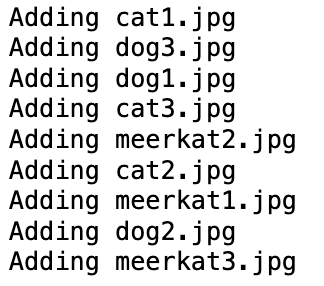
print(f"Adding {name}")
path = "./source/image/" + name
batch.add_object({
"name": name, # name of the file
"path": path, # path to the file to display result
"image": toBase64(path), # this gets vectorized - "image" was configured in vectorizer_config as the property holding images
"mediaType": "image", # a label telling us how to display the resource
})
# Check for failed objects
if len(animals.batch.failed_objects) > 0:
    print(f"Failed to import {len(animals.batch.failed_objects)} objects")
    for failed in animals.batch.failed_objects:
        print(f"e.g. Failed to import object with error: {failed.message}")
else:
    print("No errors")
Insert Video Files into Weaviate
animals = client.collections.get("Animals")

source = os.listdir("./source/video/")

for name in source:
    print(f"Adding {name}")
    path = "./source/video/" + name

    # insert videos one by one
    animals.data.insert({
        "name": name,
        "path": path,
        "video": toBase64(path),
        "mediaType": "video"
    })

# Check for failed objects
if len(animals.batch.failed_objects) > 0:
    print(f"Failed to import {len(animals.batch.failed_objects)} objects")
    for failed in animals.batch.failed_objects:
        print(f"e.g. Failed to import object with error: {failed.message}")
else:
    print("No errors")

agg = animals.aggregate.over_all(
    group_by="mediaType"
)

# Check count
for group in agg.groups:
    print(group)
Build MultiModal Search
# Helper functions to display results
import json
from IPython.display import Image, Video

def json_print(data):
    print(json.dumps(data, indent=2))

def display_media(item):
    path = item["path"]

    if(item["mediaType"] == "image"):
        display(Image(path, width=300))

    elif(item["mediaType"] == "video"):
        display(Video(path, width=300))

import base64, requests

# Helper function – get base64 representation from an online image
def url_to_base64(url):
    image_response = requests.get(url)
    content = image_response.content
    return base64.b64encode(content).decode('utf-8')

# Helper function - get base64 representation from a local file
def file_to_base64(path):
    with open(path, 'rb') as file:
        return base64.b64encode(file.read()).decode('utf-8')
Text to Media Search
animals = client.collections.get("Animals")

response = animals.query.near_text(
    query="dog playing with stick",
    return_properties=['name','path','mediaType'],
    limit=3
)

for obj in response.objects:
    json_print(obj.properties)
    display_media(obj.properties)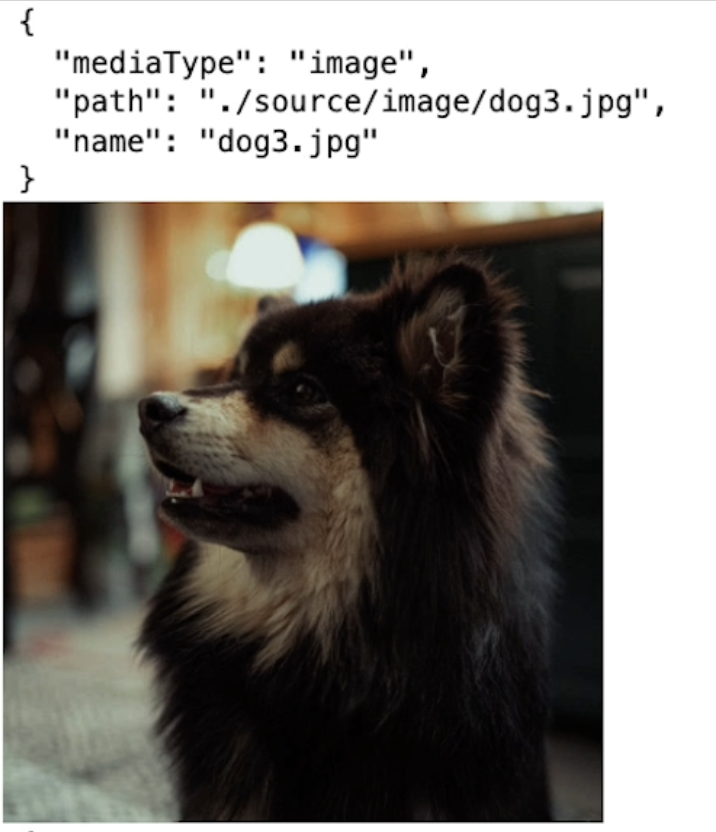
Image to Media Search
# Use this image as an input for the query
Image("./test/test-cat.jpg", width=300)

# The query
response = animals.query.near_image(
    near_image=file_to_base64("./test/test-cat.jpg"),
    return_properties=['name','path','mediaType'],
    limit=3
)

for obj in response.objects:
    json_print(obj.properties)
    display_media(obj.properties)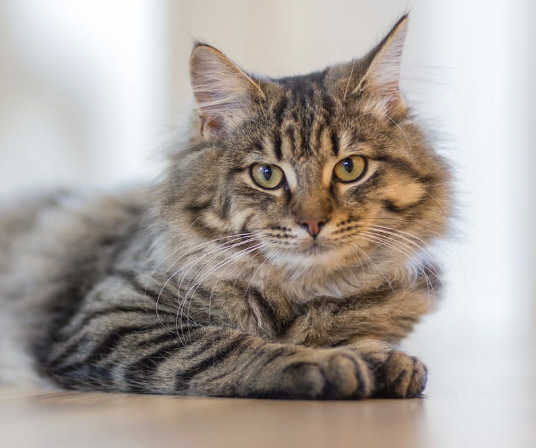
이렇게 귀여운 고양이를 입력으로 넣어주면
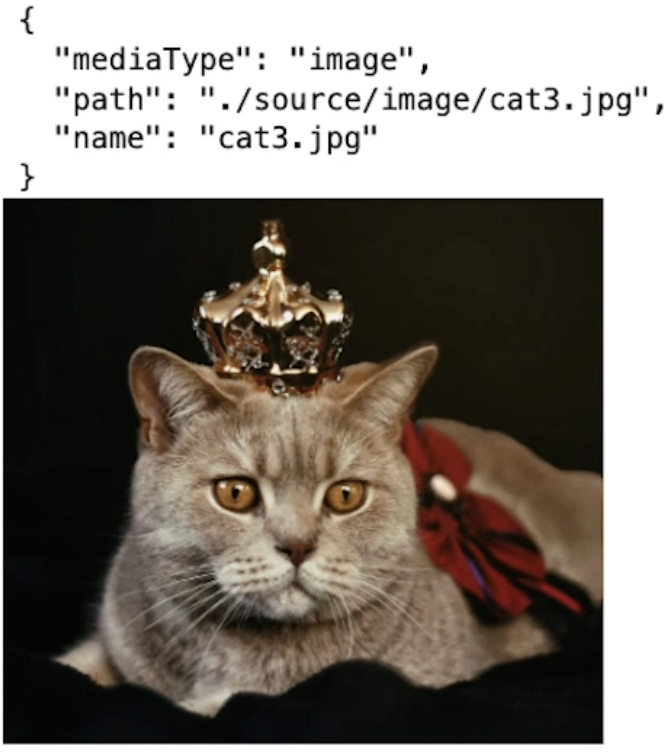
지정 폴더 안에서 비슷한 이미지가 출력됨
Image search - from web URL
Image("https://raw.githubusercontent.com/weaviate-tutorials/multimodal-workshop/main/2-multimodal/test/test-meerkat.jpg", width=300)

# The query
response = animals.query.near_image(
    near_image=url_to_base64("https://raw.githubusercontent.com/weaviate-tutorials/multimodal-workshop/main/2-multimodal/test/test-meerkat.jpg"),
    return_properties=['name','path','mediaType'],
    limit=3
)

for obj in response.objects:
    json_print(obj.properties)
    display_media(obj.properties)
url_to_base64 함수를 사용한 것만 다를 뿐 나머지 코드는 비슷함
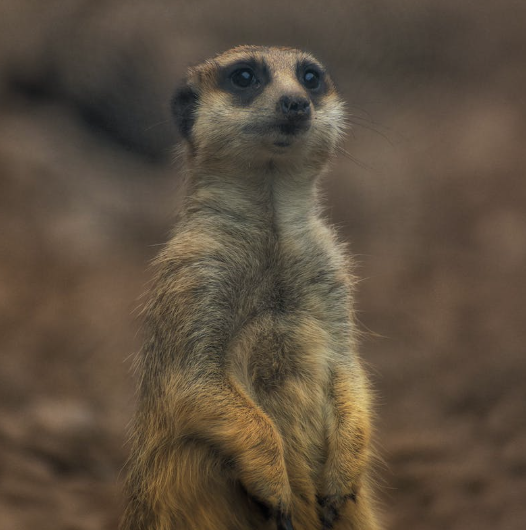
웹에서 가져온 귀여운 미어캣 이미지
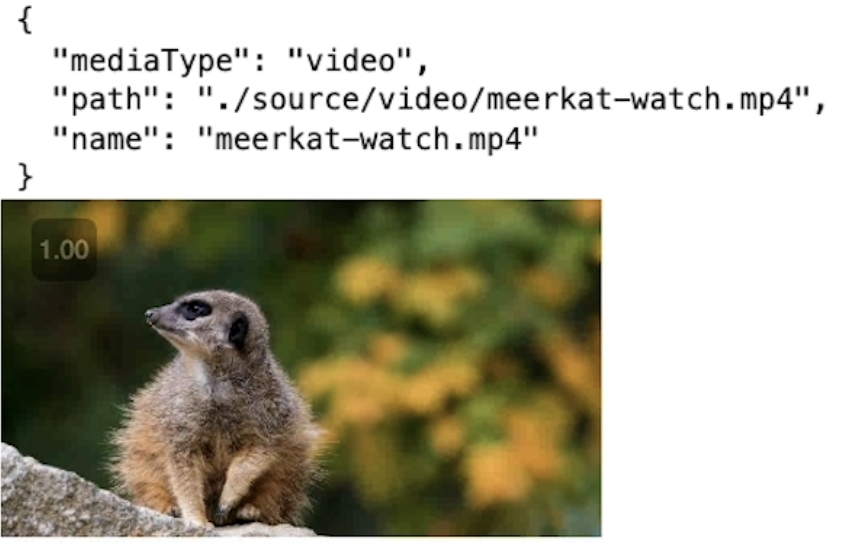
이미지 뿐만 아니라 동영상도 출력 가능
Video to Media Search
Video("./test/test-meerkat.mp4", width=400)

from weaviate.classes.query import NearMediaType

response = animals.query.near_media(
    media=file_to_base64("./test/test-meerkat.mp4"),
    media_type=NearMediaType.VIDEO,
    return_properties=['name','path','mediaType'],
    limit=3
)

for obj in response.objects:
    # json_print(obj.properties)
    display_media(obj.properties)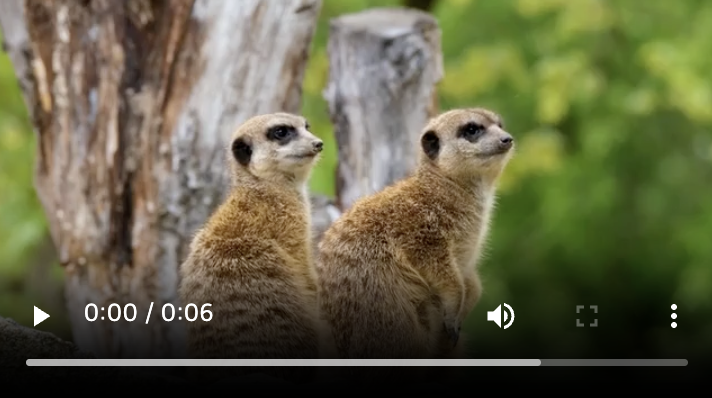
입력으로 비디오 넣어줌
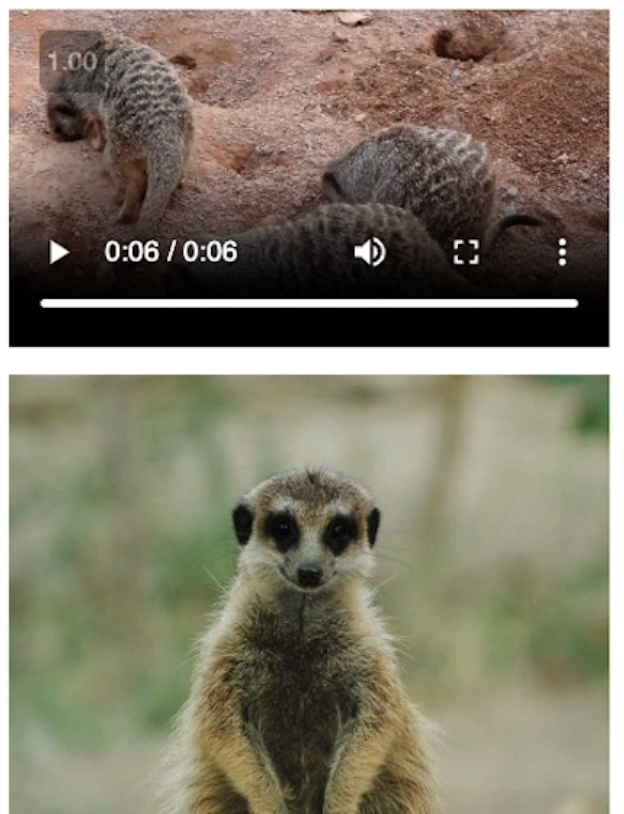
비디오, 이미지 출력
Visualizing a Multimodal Vector Space
import numpy as np
import sklearn.datasets
import pandas as pd
import umap
import umap.plot
import matplotlib.pyplot as plt
UMAP 사용하면 벡터 차원 줄일 수 있음 -> 1400차원에서 2차원으로 줄어듦
이렇게 하면 실제로 2차원 이미지로 표시할 수 있음
Load vector embeddings and mediaType from Weaviate
client.backup.restore(
    backup_id="resources-img-and-vid",
    include_collections="Resources",
    backend="filesystem"
)

# It can take a few seconds for the "Resources" collection to be ready.
# We add 5 seconds of sleep to make sure it is ready for the next cells to use.
import time
time.sleep(5)

# Collection named "Resources"
collection = client.collections.get("Resources")

embs = []
labs = []
for item in collection.iterator(include_vector=True):
    #print(item.properties)\
    labs.append(item.properties['mediaType'])
    embs.append(item.vector)

embs2 = [emb['default'] for emb in embs]

emb_df = pd.DataFrame(embs2)
labels = pd.Series(labs)

labels[labels=='image'] = 0
labels[labels=='video'] = 1

%%time
mapper2 = umap.UMAP().fit(emb_df)
Plot the embeddings
plt.figure(figsize=(10, 8))
umap.plot.points(mapper2, labels=labels, theme='fire')

# Show plot
plt.title('UMAP Visualiztion of Embedding Space')
plt.xlabel('UMAP Dimension 1')
plt.ylabel('UMAP Dimension 2')
plt.show();
사용된 dataset은 실제로 10개의 서로 다른 범주에서 가져옴
따라서 유사한 벡터 임베딩은 항상 서로 매우 가깝게 저장되는 것을 볼 수 있음
Interactive plot of vectors
umap.plot.output_notebook()

p = umap.plot.interactive(mapper2, labels=labels, theme='fire')

umap.plot.show(p)
Interactive plot
오른쪽에 버튼 클릭하면 다양한 기능 수행할 수 있음
Close the connection to Weaviate
client.close()
'LLM' 카테고리의 다른 글
| RAG - Multimodal RAG (MM-RAG) (0) | 2026.02.19 |
|---|---|
| RAG - Large Multimodal models (0) | 2026.02.15 |
| RAG - Overview of multimodality (0) | 2026.02.13 |
| LangChain - Agents (0) | 2026.01.19 |
| LangChain - Evaluation (0) | 2026.01.19 |


